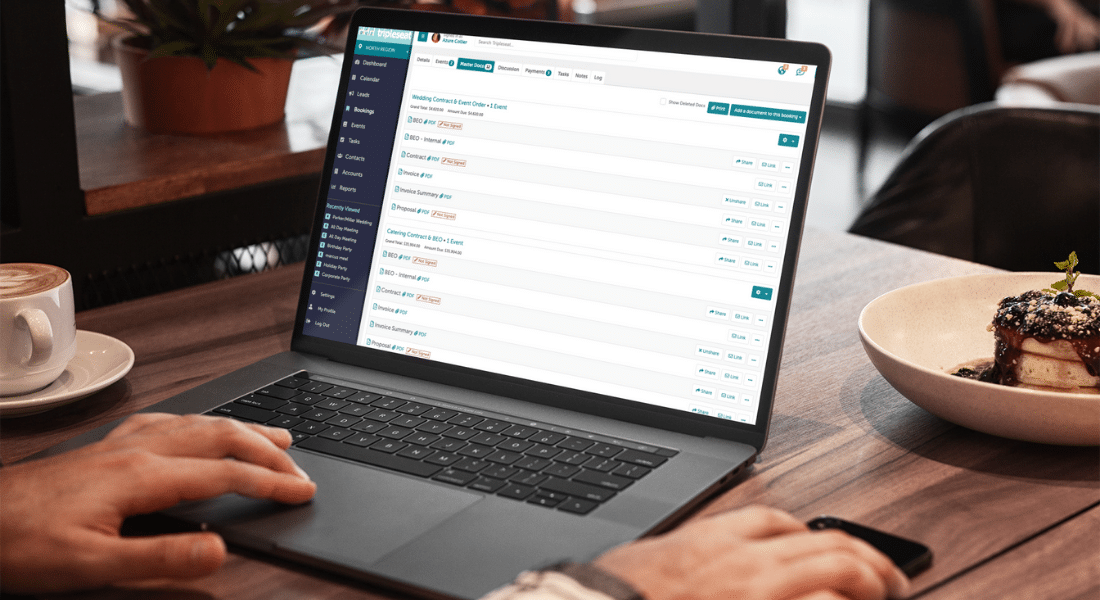
Keeping track of user roles in Tripleseat is very important because the various roles are set up to limit what information a user has access to in a customer’s Tripleseat dashboard.
Our recent pop-up webinar on users and user roles explores how to manage individual users in Tripleseat, and we dive into how to customize user roles so they make the most sense for your business.
This training is particularly suited for admins, who have the highest level of functionality in Tripleseat. If you manage multiple locations in Tripleseat, we also share specific tips for managing users who need different levels of access at the different venues where they work.
Watch the recording of the users and user roles webinar below:
Learn more about Tripleseat and streamline your event management
If you’re not a Tripleseat customer and you’re interested in learning more about Tripleseat’s event management tools and CRM features, schedule a demo at your convenience to take a closer look. You can also register for future webinars on our events page to learn more about Tripleseat, its features, and its products.