


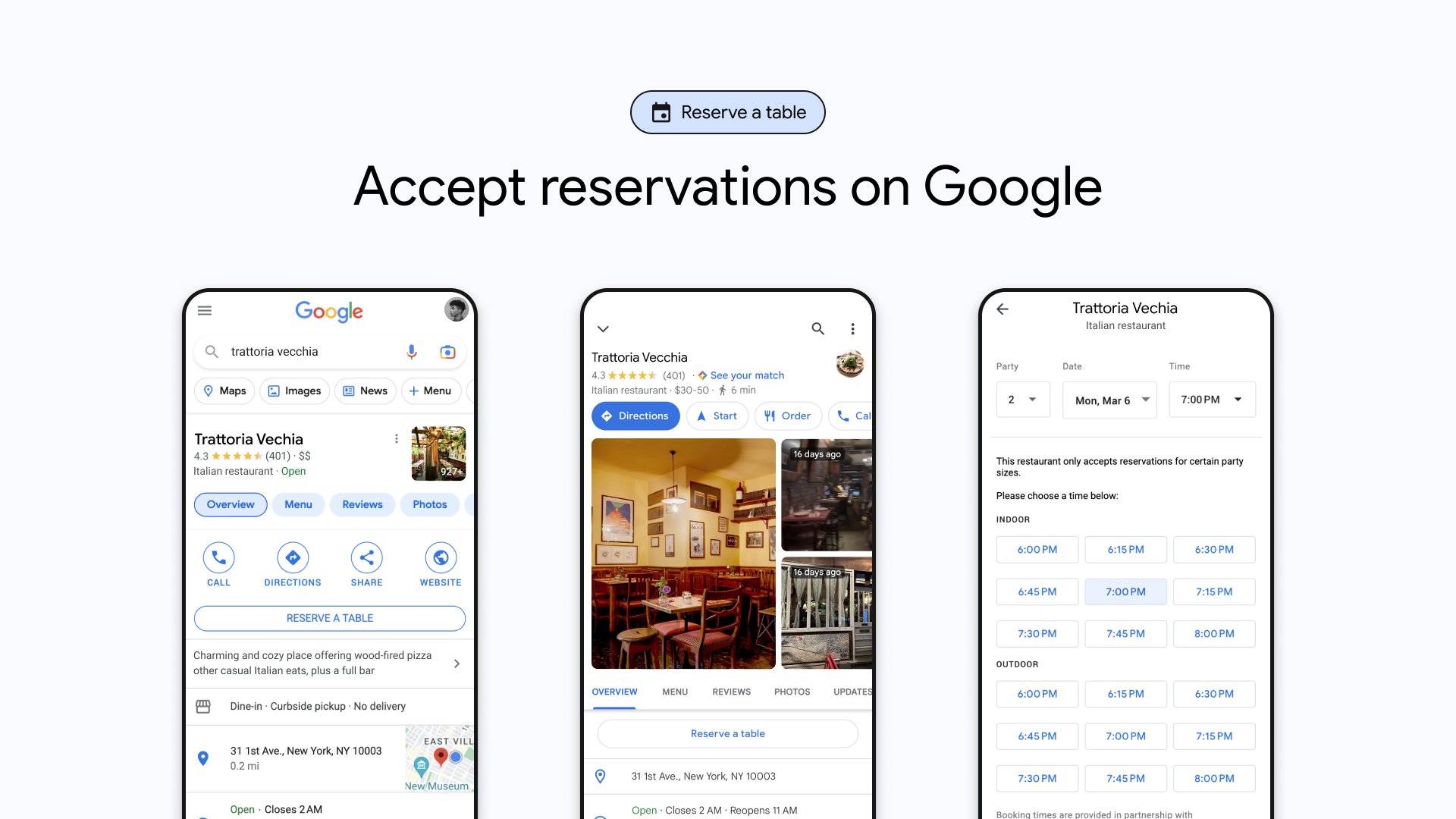
Tripleseat now offers an integration with Reserve with Google, built to allow guests to easily view event information and submit requests directly from your venue’s Google profile.
Every Tripleseat customer has an EventUp listing included with their subscription, which can be customized to showcase venue details, photos, amenities, and a convenient lead form.
With this integration, your lead form is now also available directly within the Reservations section of your Google Business profile (if segmented as Restaurant, Bar, or Bakery), boosting visibility and inquiries!
Here’s how to get started:
This integration is live for all Tripleseat customers—no setup required! To review or customize your listing, or if you’d prefer to disable this integration:
- Open your Tripleseat account and navigate to Settings.
- Go to EventUp and click Edit Public Listing to make edits.
- Once inside the Edit Public Listing settings, toggle OFF at the top to turn off the integration.
Questions? Reach out to the Tripleseat Support team at [email protected].