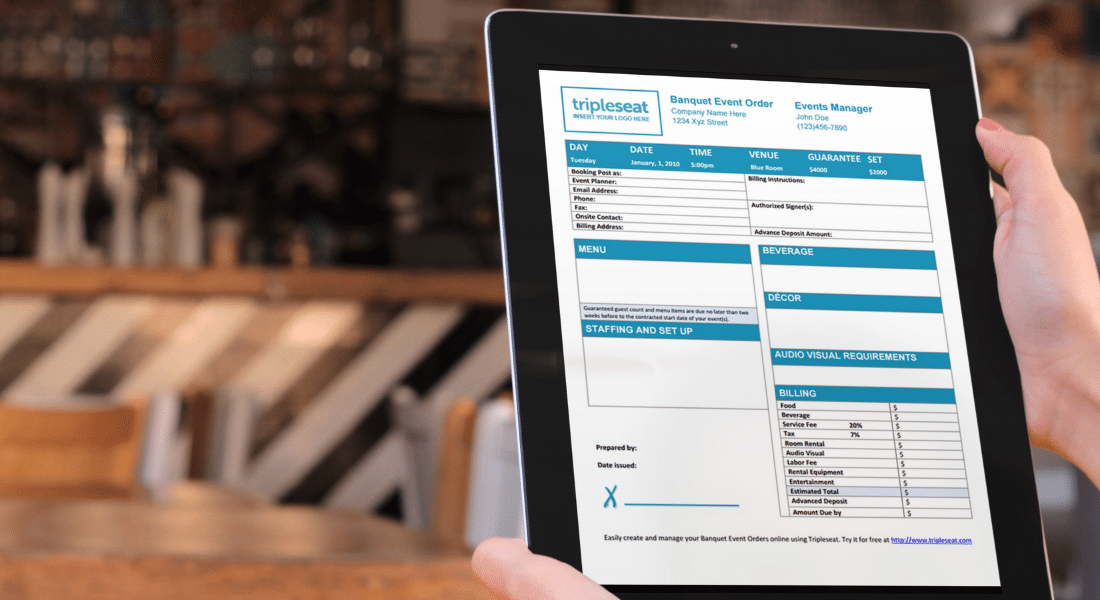
If you’re an event professional, you know how crucial documents are to every single event you manage. They contain information on payments, contracts, event details, menus, and everything it takes to run a successful event.
But are you getting the most out of the documents you’ve set up in your Tripleseat dashboard?
We recently presented a webinar that takes a deep dive into Tripleseat document templates and layouts. This session will show you how to manage and customize your documents in settings.
View the recording of our pop-up webinar on documents to learn:
- The difference between a document template and a document layout and how they interact with one another
- How to add new sections to your document template
- How to update your terms and conditions
- How to create and customize your layouts
Learn more about Tripleseat and streamline your event management
If you’re not a Tripleseat customer and you’re interested in learning more about Tripleseat’s event management tools and CRM features, schedule a demo at your convenience to take a closer look. You can also register for future webinars on our events page to learn more about Tripleseat, its features, and its products.